How to Set Up IPTV on a TV maker a connected TV
a TV maker Smart TVs run on Tizen OS, which supports a solid range of IPTV apps. This guide walks you through every method available in 2026, from the easiest app-based approach to advanced options.
What You Need Before Starting
- a TV maker a connected TV — 2017 model or newer recommended
- Συνδρομή IPTV — M3U URL or Xtream Codes credentials
- Internet — 25+ Mbps for HD, 50+ Mbps for 4K
- VPN (optional) — For privacy and avoiding ISP throttling
Method 1: a popular player app Pro (Easiest)
The most user-friendly IPTV app for a TV maker TVs. Supports M3U playlists, Xtream Codes API, and EPG.
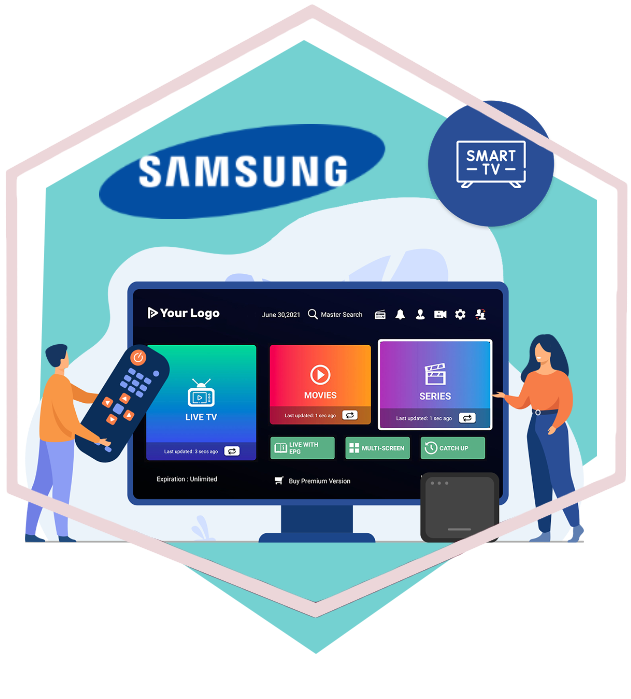
Step 1: Open a TV maker App Store
Τύπος Σπίτι on your remote → navigate to Εφαρμογές.
Step 2: Search for a popular player app Pro
Type "a popular player app Pro" in the search bar. If not found, try "Smarters" ή "IPTV".
Step 3: Install and Launch
Select the app → click Εγκαθιστώ. Open it once downloaded.
Step 4: Enter Credentials
Επιλέγω M3U URL ή Xtream Codes API. Enter your IPTV provider details. Channels load in 10-30 seconds.
💡 Pro Tip: If a popular player app Pro is not available in your region, change your TV's region to United Kingdom in Settings → General → System Manager → Language, then restart.
Method 2: Smart IPTV (SIPTV)
One of the most established IPTV apps. Lightweight, fast, very stable. One-time activation fee: ~€5.50.
Step 1: Find MAC Address
Μετάβαση σε Settings → Network → Advanced Wi-Fi Settings. Note the MAC address (AA:BB:CC:DD:EE:FF).
Step 2: Activate on siptv.app
Επίσκεψη siptv.app, enter MAC address and M3U URL. Pay €5.50 activation fee.
Step 3: Install and Load
Ερευνα "Smart IPTV" in a TV maker App Store. Install → launch. Playlist loads automatically.
Method 3: Screen Mirroring
If your preferred app is not available on Tizen OS, mirror your phone screen.
the mobile OS
Swipe down → Smart View ή Cast → select your a TV maker TV.
a phone / a tablet
Use a Lightning to HDMI adapter ή a premium streaming box.
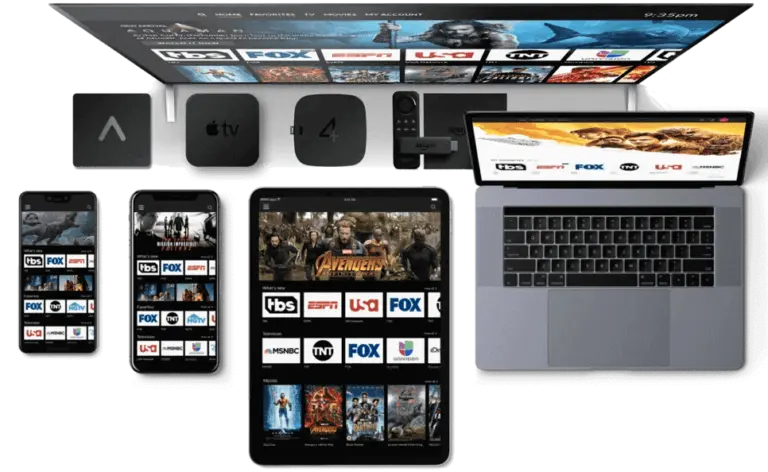
Best IPTV Apps for a TV maker in 2026
- a popular player app Pro — Best overall. Free, clean interface, EPG support.
- Έξυπνη IPTV (SIPTV) — Most stable. One-time €5.50. Great for older models.
- Πλοηγός OTT — Feature-rich with recording. For power users.
- Duplex IPTV — Simple, reliable, free.
Common Issues and Fixes
Buffering or Freezing
- Switch from WiFi to ethernet
- Close background apps
- Restart your router
- Use a VPN to bypass ISP throttling
Το EPG δεν φορτώνει
Make sure your provider includes an EPG URL. In a popular player app Pro: Settings → EPG → enter URL manually.
Audio But No Video
Codec issue. Switch the app's player from Hardware to Software decoding in settings.
Συχνές ερωτήσεις
Can I use IPTV on any a TV maker a connected TV?
Most a TV maker TVs from 2017+ support IPTV apps. Older models may need an external device like an the mobile OS streaming stick 4K.
Is a popular player app Pro free?
Yes, it is free to download and use. Some premium features like recording may require a paid upgrade.
Do I need a VPN for IPTV?
Highly recommended. It protects privacy, prevents ISP throttling, and helps access geo-restricted content.
Τι ταχύτητα internet χρειάζομαι;
At least 25 Mbps for HD, 50+ Mbps for 4K. More if multiple devices share your network.
 English
 Deutsch
 Italiano
 Türkçe
 العربية
 Português do Brasil
 Español
 Français
 Svenska
 עִבְרִית
 Čeština
 Ελληνικά
 Polski
 Русский
 Eesti
 Suomi
 Norsk bokmål