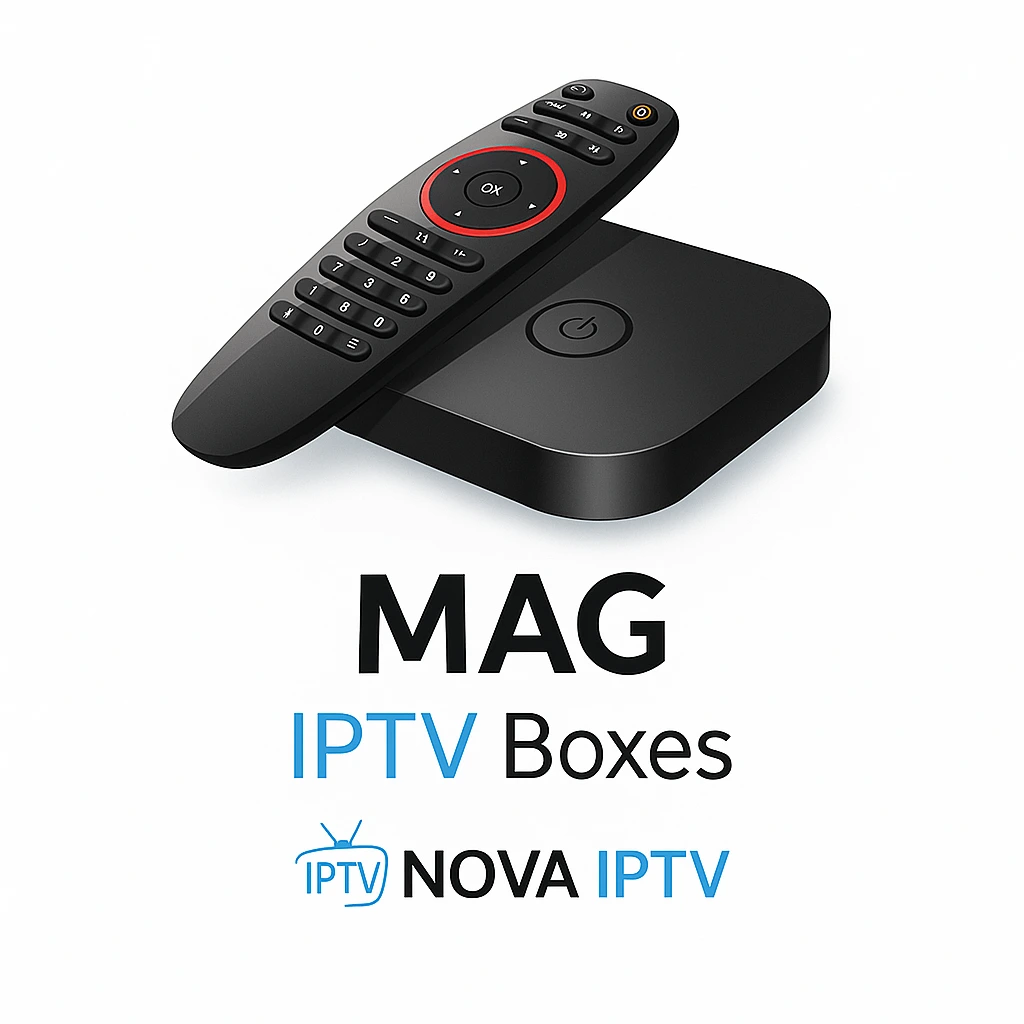
A MAG box that boots to a spinning “Loading” and never reaches the portal is failing at one of three points, and they are worth checking in a strict order because the first one is where most people give up.
1. The portal URL is wrong, usually the trailing slash
The portal address has to end in /c/. A full portal looks like http://server.address:port/c/, and the /c/ at the end is the part people leave off. Paste it exactly as issued, from the panel, including the port. One missing character and the box will sit on “Loading” forever without telling you why.
2. The MAC address is not registered
A MAG box has no username and password. The panel identifies it by its MAC address, which you will find on a sticker on the underside of the box or under Settings → System Info. If that MAC is not added to your line in the panel, the portal will not answer no matter how correct the URL is. Add it, save, then reboot the box.
3. The firmware is too old for the portal
Older MAG firmware (the 254 and 322 especially) can fail the handshake with a newer portal. Update from the box’s own system menu if it will boot far enough, or load a current image. This is the least common of the three, so only chase it after the first two are ruled out.
How to tell which one it is
A wrong URL usually shows “Server unavailable” or sits on Loading. A wrong MAC usually loads the portal logo and then bounces back. A firmware problem often fails during the boot animation before the portal is even reached. The distinction is small but it tells you where to look.
And if the box itself is dying
A MAG that has run hot for years can develop exactly this half-boot behaviour as the flash memory wears. If all three checks pass and it still hangs, the box is the problem, and a replacement Android box costs less than the hours you will spend nursing it.
MAG is a small corner of the streaming world and our team can check the MAC registration from the panel side in one message. Send the MAC and a photo of the screen: contact page. Plan prices, when you are ready, are on the pricing page.
FAQ
Why does a MAG box use a MAC address instead of a password?
MAG boxes authenticate by MAC, not username and password. The panel must have the box's MAC registered to your line or the portal will not answer.
What does the portal URL look like?
http://server.address:port/c/ — the trailing /c/ is required and is the part people most often leave off.
My MAG 254 boots halfway and hangs — is it dead?
Not necessarily. Check the URL and MAC first. If both are correct the flash memory may be worn from years of heat, and a replacement box is the practical fix.
Other fixes
Every device and every error code, indexed in one place: IPTV setup and troubleshooting.
 English
 Deutsch
 Italiano
 Türkçe
 العربية
 Português do Brasil
 Español
 Français
 Svenska
 עִבְרִית
 Čeština
 Ελληνικά
 Polski
 Русский
 Eesti
 Suomi
 Norsk bokmål