How to Set Up IPTV on Samsung Smart TV
Samsung Smart TVs run on Tizen OS, which supports a solid range of IPTV apps. This guide walks you through every method available in 2026, from the easiest app-based approach to advanced options.
What You Need Before Starting
- טלוויזיה חכמה של סמסונג — 2017 model or newer recommended
- מנוי IPTV — M3U URL or Xtream Codes credentials
- Internet — 25+ Mbps for HD, 50+ Mbps for 4K
- VPN (optional) — For privacy and avoiding ISP throttling
Method 1: IPTV Smarters Pro (Easiest)
The most user-friendly IPTV app for Samsung TVs. Supports M3U playlists, Xtream Codes API, and EPG.
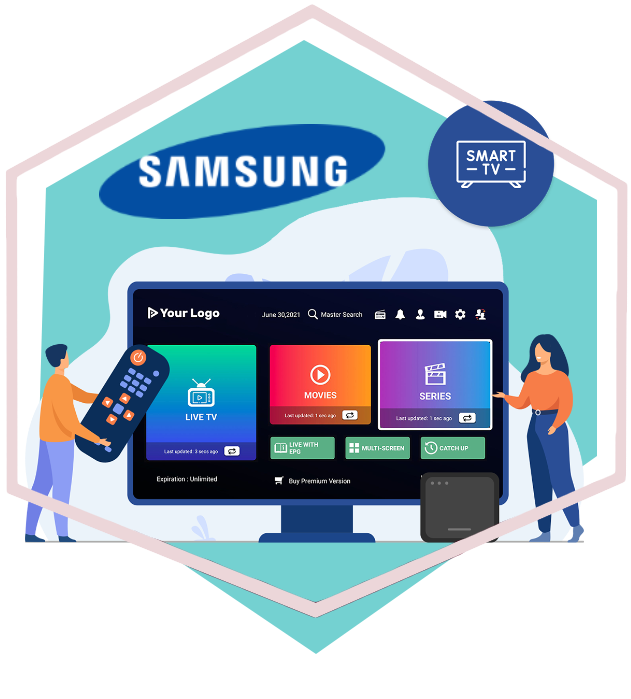
Step 1: Open Samsung App Store
לִלְחוֹץ בַּיִת on your remote → navigate to אפליקציות.
Step 2: Search for IPTV Smarters Pro
Type "IPTV Smarters Pro" in the search bar. If not found, try "Smarters" אוֹ "IPTV".
Step 3: Install and Launch
Select the app → click לְהַתְקִין. Open it once downloaded.
Step 4: Enter Credentials
לִבחוֹר M3U URL אוֹ Xtream Codes API. Enter your IPTV provider details. Channels load in 10-30 seconds.
💡 Pro Tip: If IPTV Smarters Pro is not available in your region, change your TV's region to United Kingdom in Settings → General → System Manager → Language, then restart.
Method 2: Smart IPTV (SIPTV)
One of the most established IPTV apps. Lightweight, fast, very stable. One-time activation fee: ~€5.50.
Step 1: Find MAC Address
עבור אל Settings → Network → Advanced Wi-Fi Settings. Note the MAC address (AA:BB:CC:DD:EE:FF).
Step 2: Activate on siptv.app
לְבַקֵר siptv.app, enter MAC address and M3U URL. Pay €5.50 activation fee.
Step 3: Install and Load
לְחַפֵּשׂ "Smart IPTV" in Samsung App Store. Install → launch. Playlist loads automatically.
Method 3: Screen Mirroring
If your preferred app is not available on Tizen OS, mirror your phone screen.
דְמוּי אָדָם
Swipe down → Smart View אוֹ Cast → select your Samsung TV.
אייפון / אייפד
Use a Lightning to HDMI adapter אוֹ Apple TV.
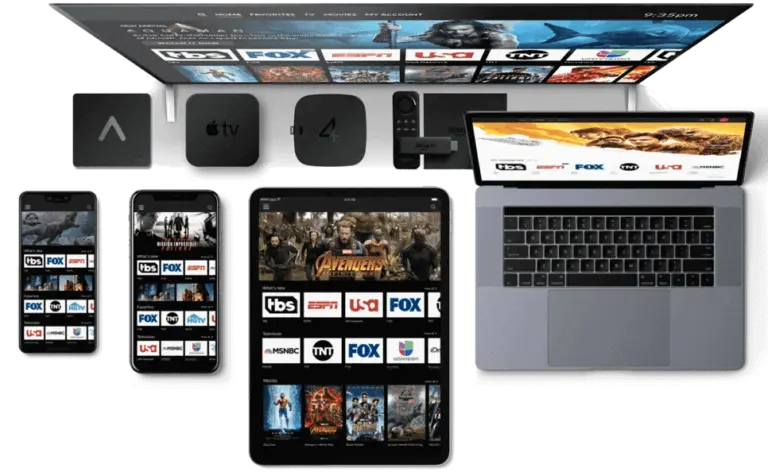
Best IPTV Apps for Samsung in 2026
- IPTV Smarters Pro — Best overall. Free, clean interface, EPG support.
- IPTV חכם (SIPTV) — Most stable. One-time €5.50. Great for older models.
- נווט OTT — Feature-rich with recording. For power users.
- Duplex IPTV — Simple, reliable, free.
Common Issues and Fixes
Buffering or Freezing
- Switch from WiFi to ethernet
- Close background apps
- Restart your router
- Use a VPN to bypass ISP throttling
EPG Not Loading
Make sure your provider includes an EPG URL. In IPTV Smarters Pro: Settings → EPG → enter URL manually.
Audio But No Video
Codec issue. Switch the app's player from Hardware to Software decoding in settings.
שאלות נפוצות
Can I use IPTV on any Samsung Smart TV?
Most Samsung TVs from 2017+ support IPTV apps. Older models may need an external device like Fire Stick 4K.
Is IPTV Smarters Pro free?
Yes, it is free to download and use. Some premium features like recording may require a paid upgrade.
Do I need a VPN for IPTV?
Highly recommended. It protects privacy, prevents ISP throttling, and helps access geo-restricted content.
איזו מהירות אינטרנט אני צריך?
At least 25 Mbps for HD, 50+ Mbps for 4K. More if multiple devices share your network.
 English
  Deutsch
  Italiano
  Türkçe
  العربية
  Português do Brasil
  Español
  Français
  Svenska
  עִבְרִית
  Čeština
  Ελληνικά
  Polski
  Русский
  Eesti
Eesti  Suomi
Suomi  Norsk bokmål